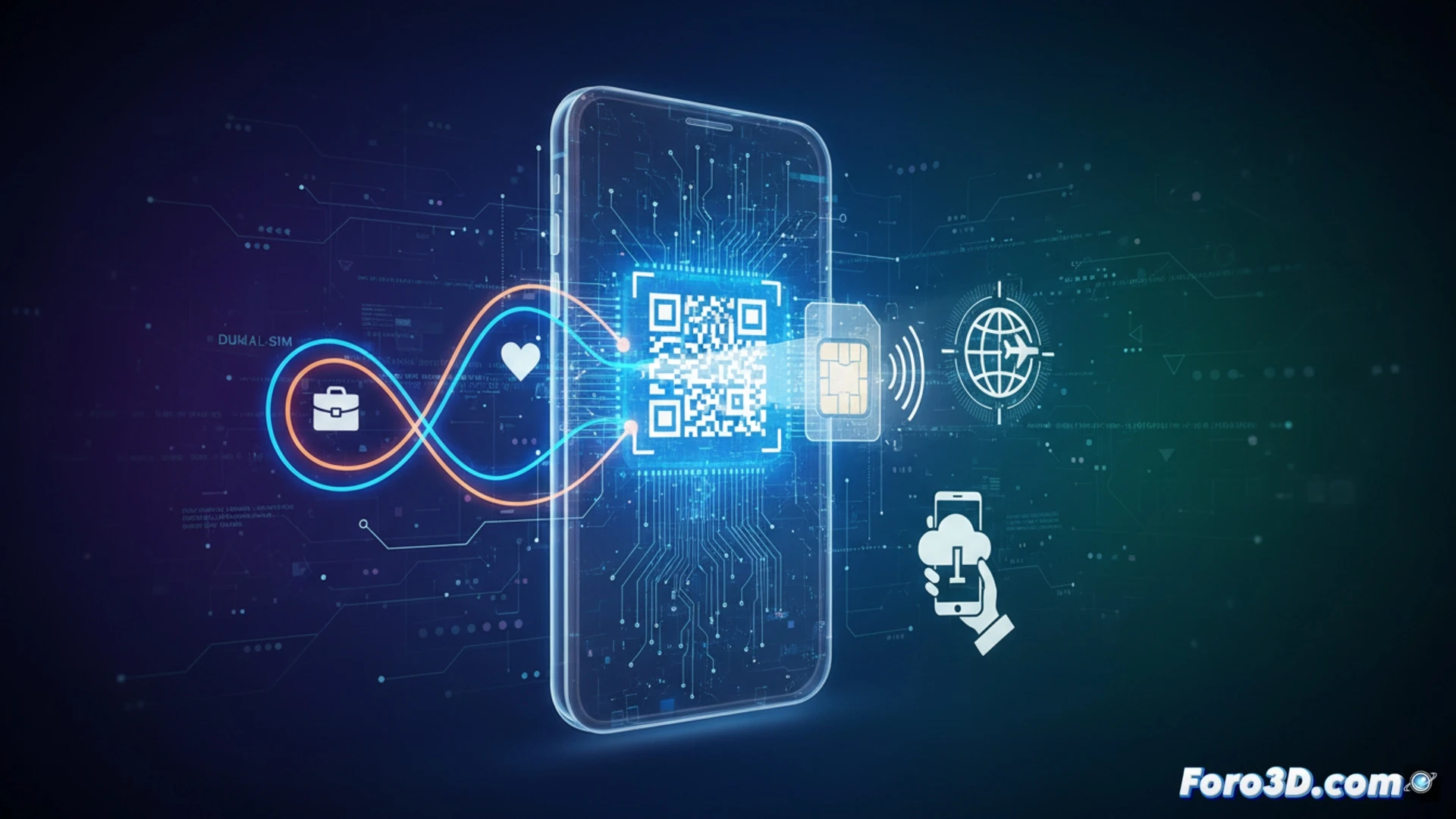
The eSIM, an integrated chip that replaces the physical SIM card, is changing how we manage connectivity in our devices. For the 3D professional, whose work tool might be a tablet for digital sculpting outdoors or a powerful laptop remotely, this evolution has direct implications. The convenience of switching carriers or activating a data plan instantly, without relying on a piece of plastic, translates into greater flexibility and fewer interruptions in mobile workflows or while traveling.
Technical Data Management for 3D Workflows 📊
The adoption of eSIM affects the configuration of auxiliary hardware in 3D. On tablets used for photogrammetry capture in the field or AR model visualization, the possibility of having two active lines is key: one personal line and another data line dedicated to the project, without needing two devices. For trips to trade shows or work in remote locations, activating a local data eSIM upon arrival avoids costly roaming and ensures a connection for transfers or cloud collaboration. Furthermore, in mobile routers that provide internet to temporary studios, the eSIM speeds up the setup process.
Security and Investment in Specialized Hardware 🔒
The immutability of the number linked to the carrier account, not the physical chip, is a crucial security advantage. In the event of theft or loss of an expensive device, such as a high-end professional tablet, the eSIM can be deactivated and transferred to a replacement immediately, safeguarding not only the number but also access to linked accounts. This protects the investment in hardware and minimizes disruption in critical projects, where connectivity is an essential part of the workflow.
How can eSIM revolutionize the mobile workflow for 3D artists and designers working in the field with portable workstations?
(PS: If your computer is smoking when opening Blender, you might need more than a fan and faith)