Connecting a console controller to a PC is a common practice, but the experience varies depending on the manufacturer. While Xbox accessories integrate directly with Windows, those from PlayStation and Nintendo Switch usually require intermediaries like Steam or specific software. This difference defines the ease of use and the icons we will see on screen.
The Input Abstraction Layer and Its Translation 🎮
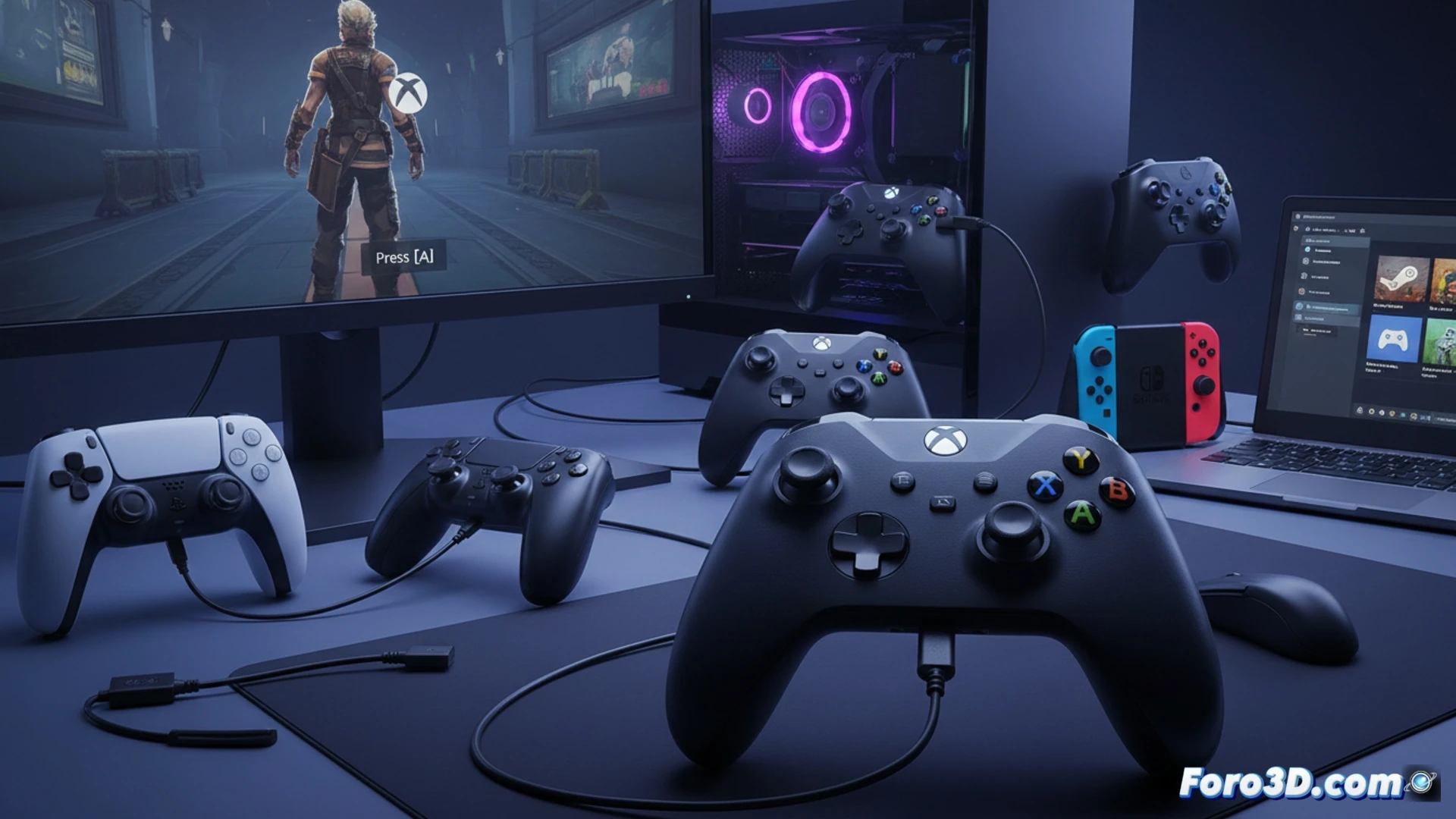
The core of the matter is how the system interprets the signals. Windows has built-in support for the XInput protocol, standard for Xbox controllers. Other devices use DInput or proprietary protocols. Tools like DS4Windows act as translators, creating a virtual XInput device from the original controller's signals. This enables compatibility, but games display Xbox buttons (A, B, X, Y) instead of PlayStation or Nintendo symbols.
The Initiation Rite: Configuring the DualSense for a 2005 Game 😅
Nothing bonds the player more with their hardware than spending an afternoon downloading drivers from a 2008 forum, mapping buttons one by one, and praying that the gyroscope doesn't get interpreted as an uncontrolled mouse movement. It's the price for wanting to play with a piece of modern technology on a title that originally only supported keyboard and a wired controller. Universal compatibility exists, but sometimes it feels like a pact with the devil of drivers.