Having two monitors improves productivity, but each screen's base takes up valuable desk space. A practical solution is monitor arms, which free up surface area and allow for height, tilt, and distance adjustments. The main decision is between a dual-arm mount or two single arms. We analyze which one better fits your setup and your budget.
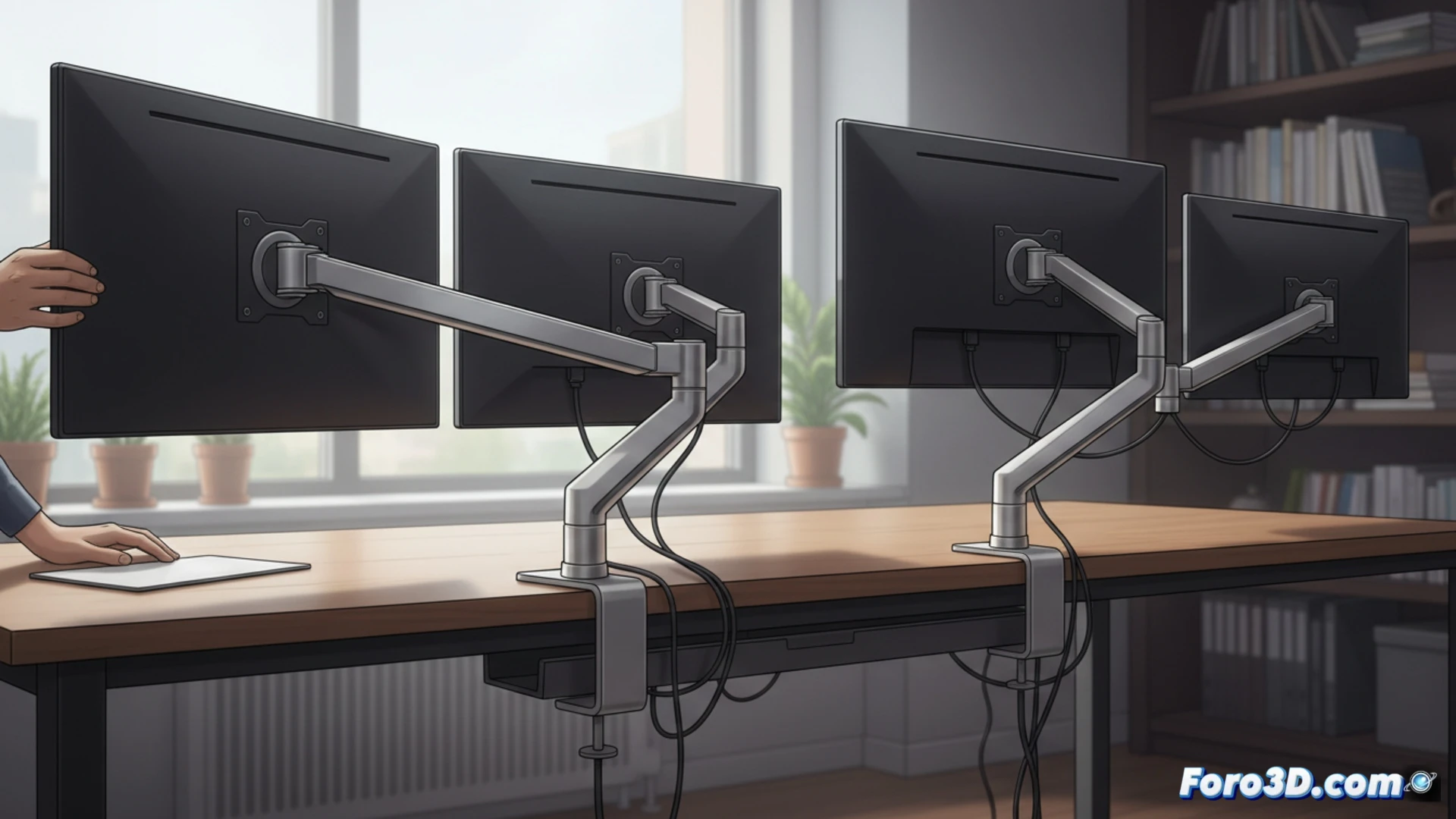
Stability and Alignment: The Mechanical Factor to Consider 🖥️
A dual-arm mount with two similar screens offers a common base that centralizes the weight and facilitates horizontal alignment. By sharing a single mounting point, it reduces wobble and makes better use of the space behind the desk. That said, the quality of the arm is key: a cheap model may sag with monitors larger than 24 inches. Single arms allow you to move each screen independently, but each one requires its own clamp or grommet mount, doubling the space occupied on the desk edge.
When Your Desk Looks Like a Battlefield of Mounts ⚔️
If you use two single arms, prepare for patience: aligning the monitors is like trying to get two cats to sit together for a photo. One always ends up higher, the other crooked, and in the end, you move the entire desk to compensate. The dual-arm mount, on the other hand, gives you that fixed point that avoids constant readjustments. However, if one day you decide to swap a monitor for a different size, the dual-arm mount becomes a problem that can only be solved with patience or a credit card.