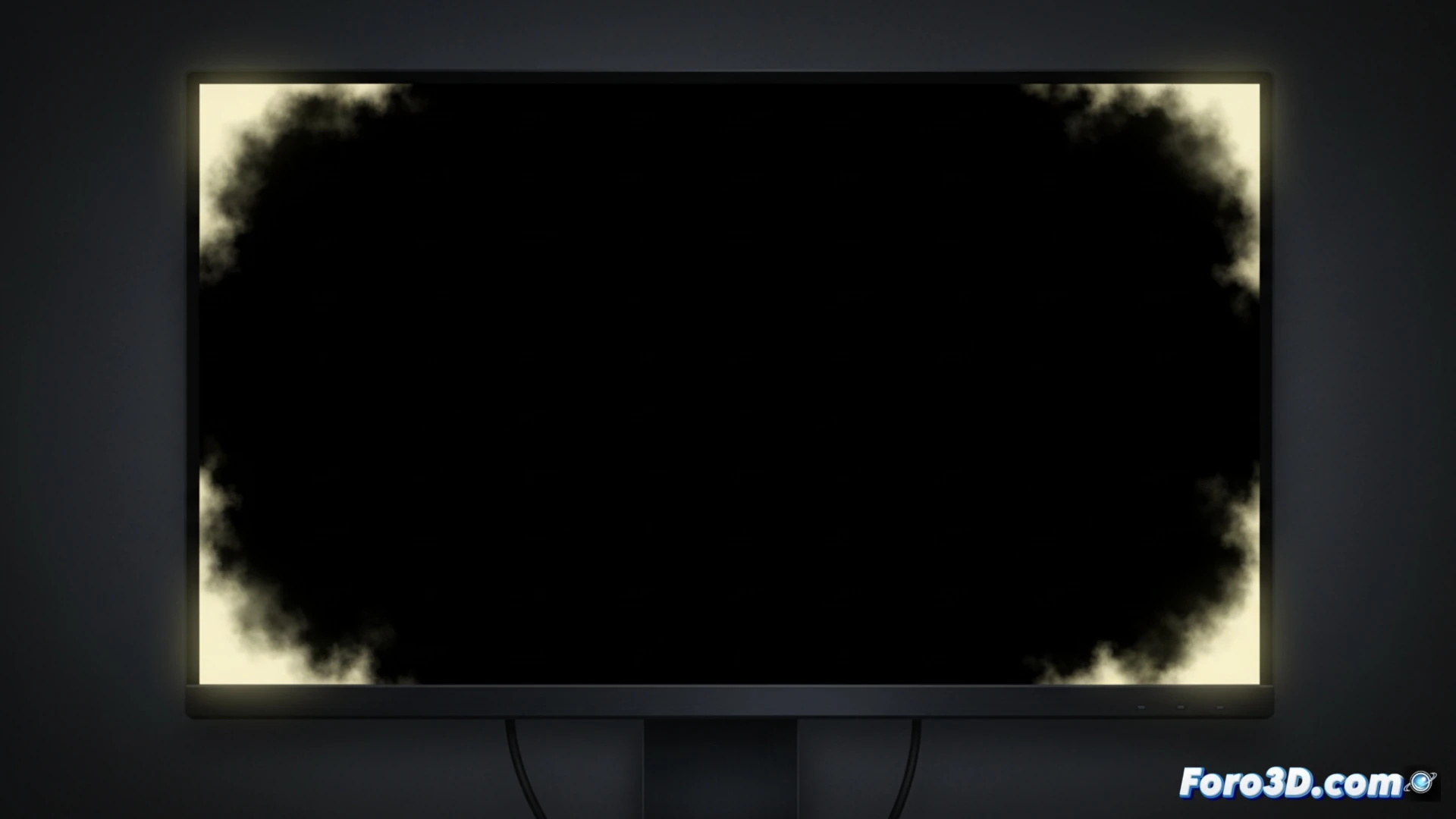
For any 3D artist or technician, screen fidelity is a fundamental pillar. A defect that compromises this precision is backlight bleeding, a common manufacturing issue in IPS and VA panels. It manifests as static light leaks, visible on edges and corners during dark scenes, distorting blacks and shadows. Differentiating it from IPS glow, a natural phenomenon of the technology, is key to correctly evaluating our hardware and making informed decisions about warranties or replacements.
Differentiating Backlight Bleeding from IPS Glow: A Critical Step 🔍
The main confusion arises between backlight bleeding and IPS glow. The latter is inherent to the technology: the panel's brightness and tone change depending on the viewing angle, creating a 'glow' or radiance effect that moves with your position. Backlight bleeding, on the other hand, is a static defect. They are fixed light spots or halos, usually whitish or yellowish, caused by uneven pressure or imperfect sealing of the panel layers. While IPS glow varies, bleeding remains immobile, ruining uniformity in deep shadows, something critical when adjusting lighting or evaluating high-contrast renders.
How to Detect It and Its Impact on the 3D Workflow ⚠️
Detection is simple but must be rigorous. Display a pure black image full screen in a completely dark room and raise the brightness to your usual usage level. If you observe fixed light spots on the edges, it's backlight bleeding. For a 3D professional, this defect is not just aesthetic: it alters the perception of blacks, contaminates shadow areas, and can mislead when making color and light decisions in texturing or composition. Knowing its existence and severity allows you to decide if your monitor meets the standards required for precise work.
How does backlight bleeding affect the critical evaluation of lighting and materials in high-end 3D rendering projects?
(PS: remember that a powerful GPU won't make you a better modeler, but at least you'll render your mistakes faster)