Autodesk has introduced two new artificial intelligence features in its Flow Studio platform: AI Rigging and Neural Layer. These tools aim to simplify 3D animation, allowing creators to transform models into characters ready to move without the traditional technical steps. The proposal seeks to reduce production time and bring the process closer to users with less technical experience.
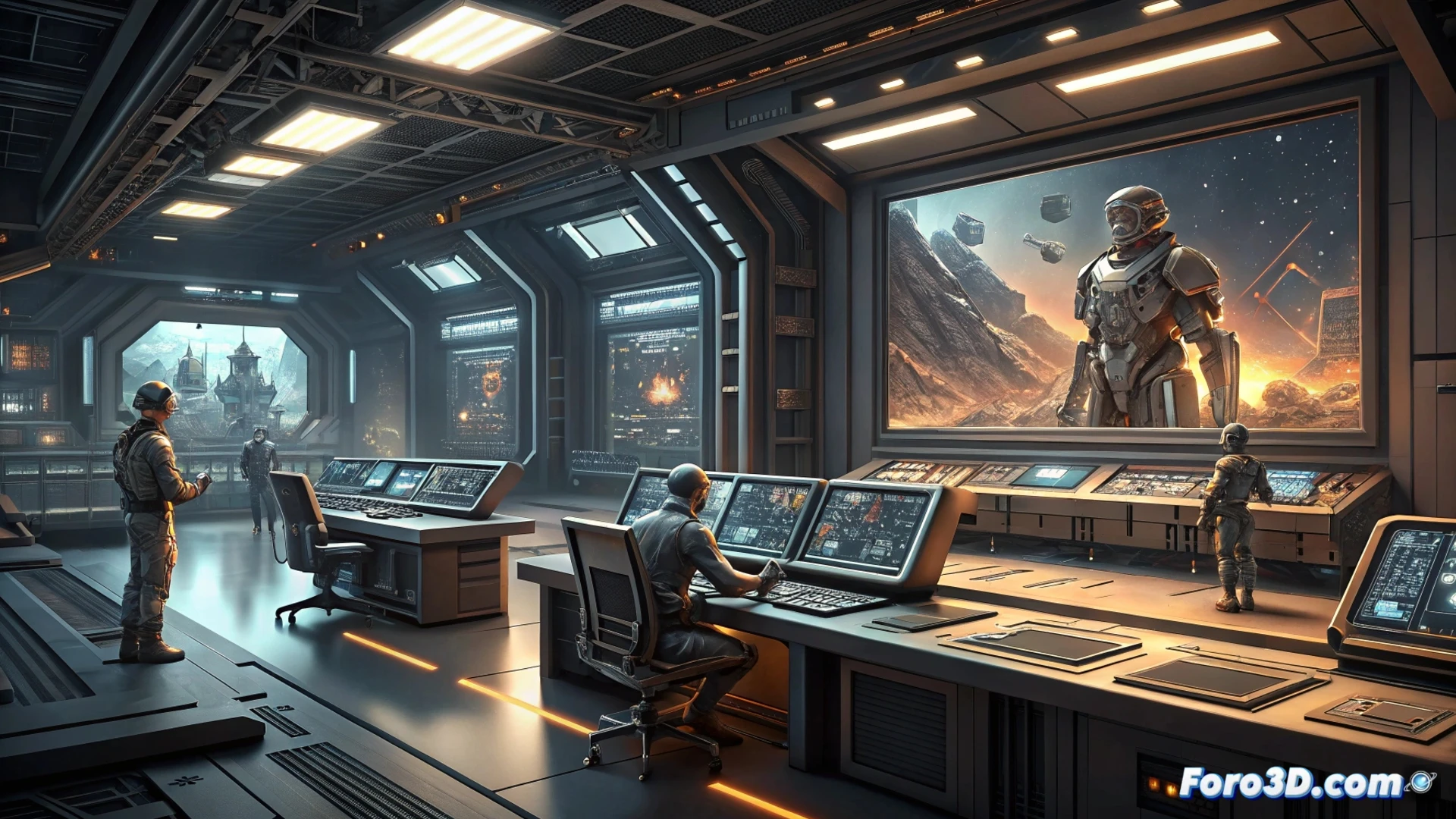
Automation that speeds up the rigging and rendering process 🤖
AI Rigging automatically prepares a character's skeletal structure, eliminating the need to manually place each bone and controller. Meanwhile, Neural Layer offers a rendering system that emulates cinematic quality without relying on complex production pipelines. Both features operate in the cloud, allowing artists to focus on creativity while the AI handles the heavy calculations. The result is a more straightforward and less technical workflow.
AI now also knows about bones and lights 💡
Finally, artificial intelligence has discovered that 3D characters not only need a pretty face, but also a skeleton and good lighting. Now, instead of spending hours adjusting rigging controls, you can delegate that task to a machine. Of course, if the AI decides your character walks like a rusty robot, you'll have no one to blame but your prompt. At least the render will be cinematic.