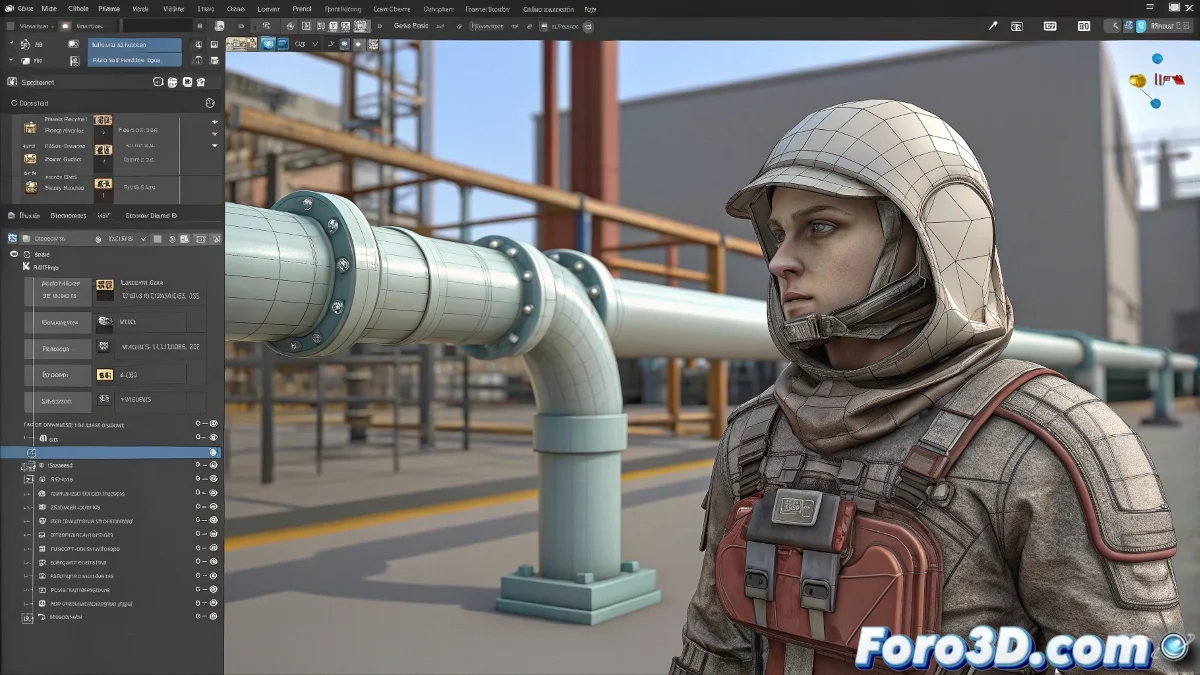
从 ZBrush 的数字画布到 3ds Max 的 rigging:一场史诗之旅 🎨➡️🤖
你在 ZBrush 中完成了你的角色,现在该踏上前往 3ds Max 的旅程了。但是,在 subtools、地图和叛逆的头发之间,这个过程可能变得比一个拥有 1000 万多边形的 DynaMesh 雕塑还要混乱。这里是你在这些汹涌波涛中航行的地图。
1. Fibermesh 的困境:如何将头发带到 Max?
现实选项:
- 在 ZBrush 中:Tool → Fibermesh → Export Curves
- 将曲线导入 3ds Max 作为 splines
- 在引导线上使用 Hair & Fur modifier
- 调整粗细和动态参数
快速替代方案:
- 使用 Tool → Export 导出为静态网格
- 使用 Cloth modifier 进行基本模拟
- 适合刚性发型或配饰
"将 Fibermesh 转换为可用头发就像驯服狮子:需要耐心和合适的工具" - 角色艺术家
2. Subtools:大分离
| 在 ZBrush 中 | 在 3ds Max 中 | 关键提示 |
|---|---|---|
| 独立 Subtool | 单独对象 | 清楚命名每个部分 |
| 多个细分 | 低级 + 地图 | 导出 retopologized 基础 |
| Morph targets | Blendshapes | 使用 GoZ 进行精确传输 |
3. 地图的圣杯
专业流程:
- 在 ZBrush 中:ZPlugin → Multi Map Exporter
- 生成:
- Normal Map (32-bit EXR)
- Displacement Map (EXR)
- Ambient Occlusion (8-bit PNG)
- 在 3ds Max 中:
- Normal Map → Normal Bump modifier
- Displacement → Displace modifier 或在材质中
4. 工作流程的神圣秩序
- Retopología (ZRemesher 或手动)
- UVs (在 ZBrush 中或使用 UV Master)
- 干净基础导出
- 纹理化 (Substance Painter/Mari)
- 从高分辨率生成地图
- 导入到 3ds Max
- Rigging 和动画
灾难性错误(以及如何避免它们)
- 💥 "我的模型没有眼睛":导出时验证所有 subtools 都被选中
- 📏 "比例不正确":在 ZBrush 中使用 Export Scale 1.0 选项
- 🔄 "地图不匹配":确保高/低分辨率相同分辨率
- 🐌 "3ds Max 卡住了":不要导入细分雕塑
奖励:救命插件
- GoZ:软件间自动传输
- ZBrush to Max:优化导出
- MeshFusion:用于复杂机械部件
从 ZBrush 导出到 3ds Max 就像搬家:需要规划,将每件东西打包到位,并接受总有一些东西会在途中丢失的事实。但有了这个指南,至少你能避免失去耐心。🧳✨