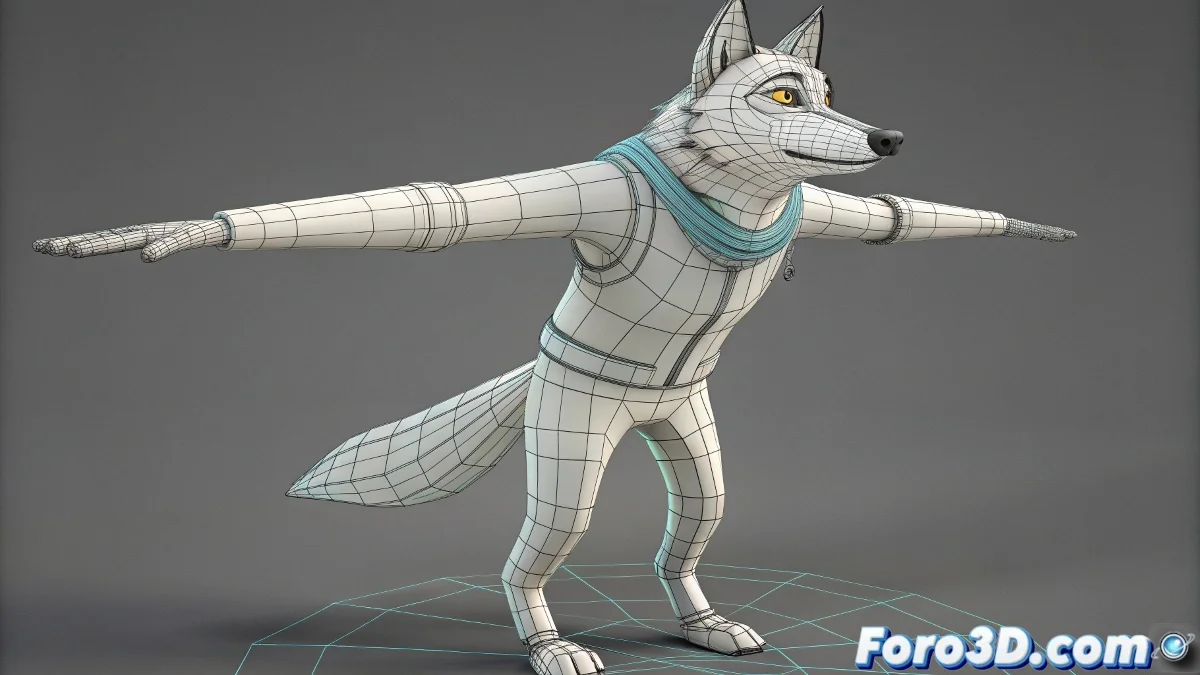
3ds Max 中创建基本 Rigs 的终极指南,而不至于发疯
¿Tus intentos de rig en 3ds Max terminan con huesos bailando la macarena sin control? 💃🦴 Calma, ese caos jerárquico tiene solución. Con esta guía dominarás el arte del rigging básico sin que tus controladores se rebelen contra ti. 🎮
步骤 1:神圣的层级结构
正确结构:
- 主要骨骼作为父级
- 控制器 Dummy 作为中间件
- 终端(手/脚)带有 IK Handles
¡绝不要这样做!
- 直接将骨骼链接到彼此
- 忘记 Freeze Transform
- 创建无限依赖循环
步骤 2:服从的控制器
- 创建 Dummy helpers(球体、立方体、箭头)
- 使用 Position/Rotation Constraints(不仅仅是 Link)
- 配置 Space Switches 用于上下文切换
- 使用 Wire Parameters 测试高级连接
一个好的 rig 就像专业的木偶:线条不可见,但每个动作都精确而自然。
现代工具(Max 2023+)
| 功能 | 优势 | 访问 |
|---|---|---|
| CAT Rigs | 预配置 | Create Panel > Systems |
| MCG Rigging | 程序化 | Scripting > Max Creation Graph |
| Quick Rig | 自动 | Animation Toolkit |
5 个会毁掉你的 rig 的错误
- 链接 控制器 → 骨骼(应该是反过来)
- 在 rigging 前不重置 XForm
- 忘记 冻结缩放
- 创建 循环依赖
- 忽略 Schematic View 用于调试
专业流程一步一步
1. 建模完成(干净拓扑) 2. 创建骨骼(Bone Tools) 3. 添加 Dummy helpers 4. 应用 Constraints 5. Skin + Weight Painting 6. 创建自定义控件 7. 测试变形有了这些基础,你的 rig 将从数字弗兰肯斯坦转变为运转良好的动画机器。当你看到它完美移动时,你就会知道 rigging 的黑暗魔法终于在你的控制之下了。🧙♂️✨
历史彩蛋: 在 90 年代,做 rigging 就像在没有手册的情况下驯服龙。今天我们有工具,会让 3D 先驱者激动得哭泣……尽管有时 3ds Max 似乎还是更喜欢混乱。😅